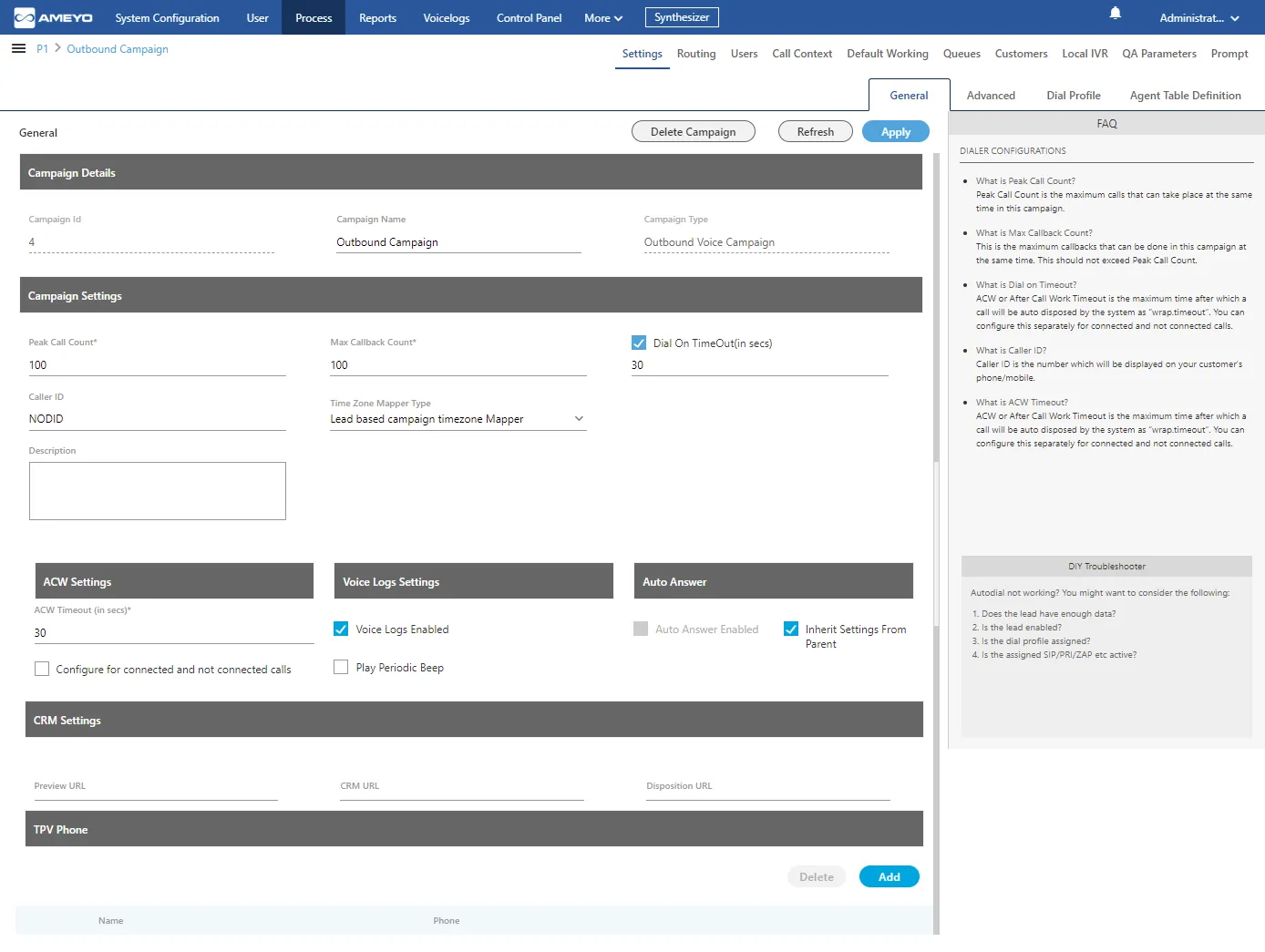
Outbound Voice Campaign Settings
In the left navigation bar of Process Tab, you can select an Outbound Voice Campaign to view its settings.
The changes made in settings of one Outbound Voice Campaign will be applicable to that campaign itself. They will not be applicable on other similar (outbound) and different (non-outbound) campaigns.
Per-Call-Context DID Configuration (4.13.28+)
Starting from version 4.13.28, administrators can assign a specific DID (Direct Inward Dialing) number and description per call context within an outbound campaign. This allows different customer segments or call types to display different caller IDs. A failover DID can also be configured so that if the primary DID is unavailable, the system automatically falls back to an alternate number.
Default IVR Visibility in Transfers (4.13.45+)
The addDefaultIvrFeatureContextsForCampaign flag controls whether the Default IVR appears in the agent's transfer dropdown for a given campaign. When set to false, the Default IVR option is hidden from the transfer list, giving administrators tighter control over which transfer destinations agents can select.
Version History
Version | Enhancement | Release Notes |
|---|---|---|
4.13.28 | Per-call-context DID/description configuration with failover | 4.13.28 Release Notes4.13.28 Release Notes |
4.13.45 | addDefaultIvrFeatureContextsForCampaign to control Default IVR visibility in transfers | Contact Center - Patch Release Notes - Version 4.13.454.13.45 Release Notes |