Settings of All Campaigns
1 min
"Process Tab" in the Administrator Console contains the settings of all processes and campaigns. The Process Settings has been explained earlier.
The Campaign Settings is actually divided into the multiple tabs located in the top right side. The user interface, and the visibility and settings of these tabs actually depends upon the type of campaign you have selected in the Left Side Navigation Bar.
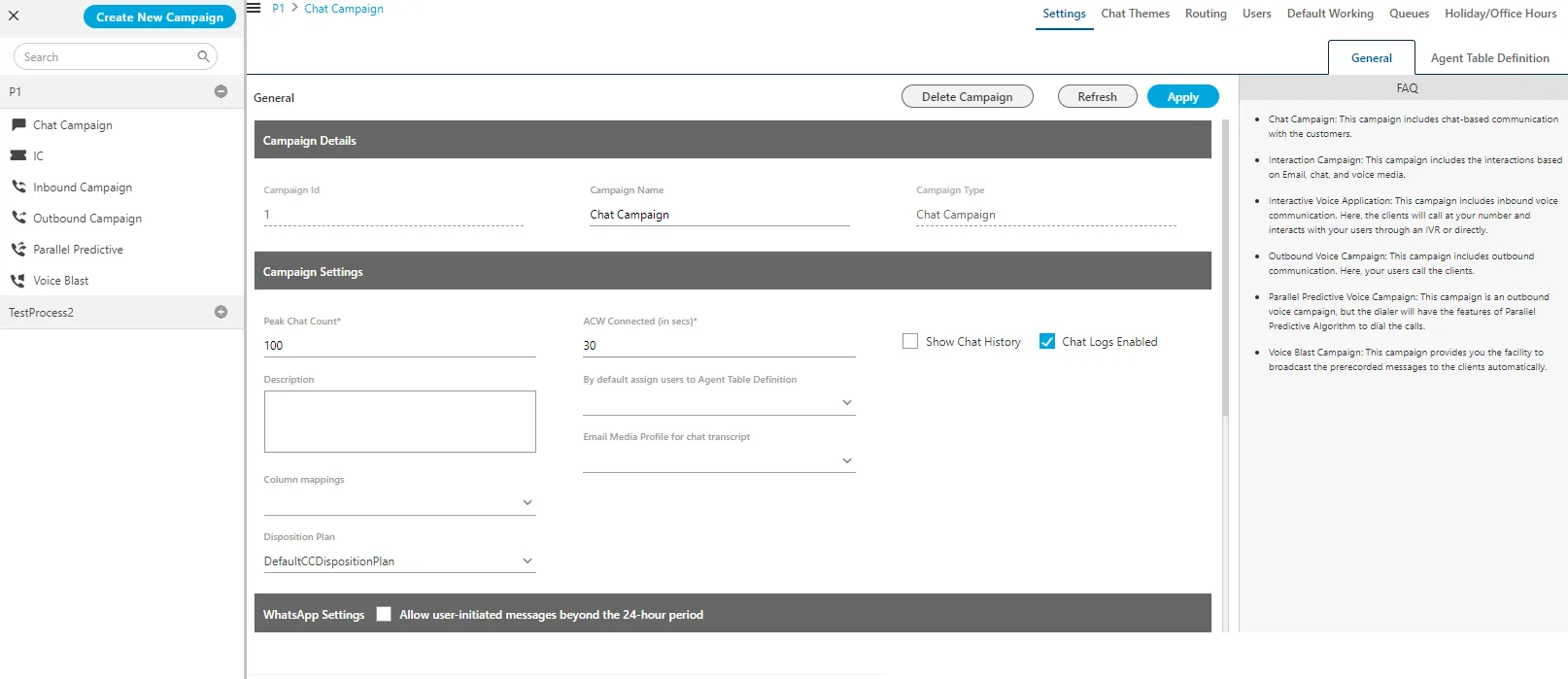
Figure: Settings for All Campaigns
Click the following links to know about the interface of this tab for each campaign type.
- Chat Campaign Settings
- Interaction Campaign Settings
- Interactive Voice Application Campaign Settings
- Outbound Voice Campaign Settings
- Parallel Predictive Voice Campaign Settings
- Voice Blast Campaign Settings
Have a question?
Our knowledgeable support team and an awesome community will get you an answer in a flash.
To ask a question or participate in discussions, you'll need to authenticate first.