CTI Display, Functions, and Operations
All the functionalities and operations of CTI Display for supervisor and group manager are similar as that of agent.
Allowed Strings to be dialed
There are several cases when the agent has to search the customer through the customer's number, name or any other string which the agent has with it. With the entered characters the Ameyo will search the customer's information who has anything related to the entered string. And, the agent can also dial that entered string of characters which may cause the issues to the call servers. But Ameyo does not allow the dialer to dial that entered string. In such cases, if the entered number has alphabets, then the "Dial only" button will remain disabled and hence, the call will not be dialed.

There are two types of calls and the operations present in Ameyo.
- Outbound Calls: The calls which are dialed to the customer by the Ameyo agent. Following are the CTI display available for outbound Calls.
Call to Unregistered Number
In the outbound call, if the customer is not found, then a modal is displayed to create the customer in Ameyo. In the displayed modal, there are two buttons to click from:

There are some cases when the customer name remains blank in a customer record. For example, the Ameyo User is leaving the customer name blank while creating a new customer. In such cases, the Telephony Panel will display "UNKNOWN" during the call.
- (Not Recommended) Dial Only: If you click "Dial Only" button, then the call to the customer is dialed, but the customer is not created, which is not recommended. However, you can create the customer if you want at the end of the call. In this case, only the number of the customer will be displayed on the CTI display.
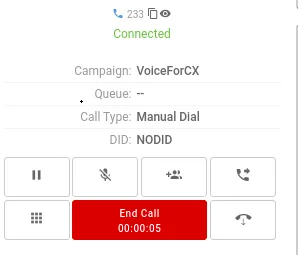
Create and Dial:
In Ameyo Telephony Panel, the agent can click the "Create and Dial" button which allows the agent to create the customer and then dial the call. The following screen comes up, where the agent can create the customer.
Information about Primary Phone Number from Telephony Panel: If Ameyo User is providing a number in Ameyo Telephony Panel and clicks "Create and Dial", then that phone number will be added automatically in that primary-key marked phone number field (such as "phone1").
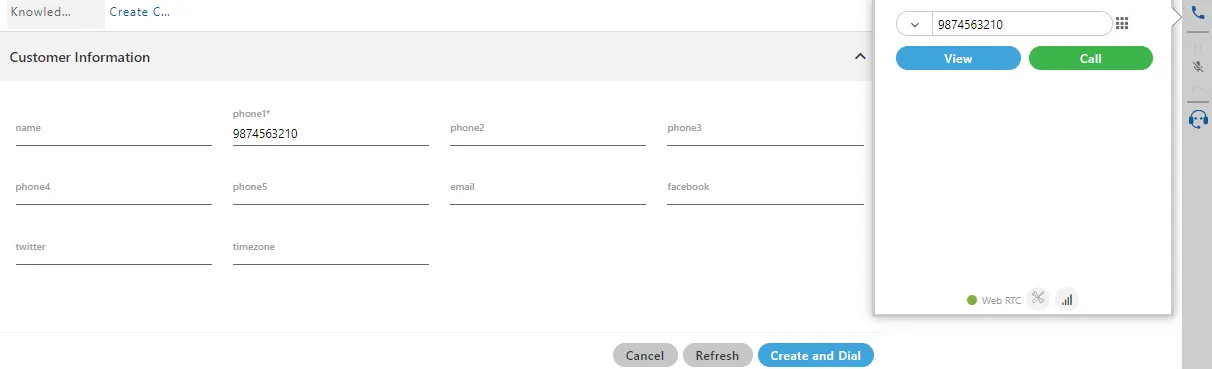
Enter the details of the customer and click "Create and Dial" button.
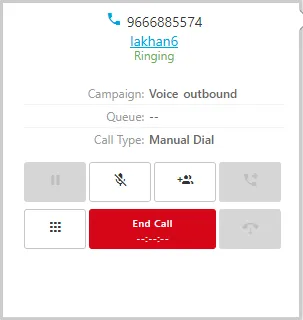
Inbound Calls:The calls which are landed into the Ameyo or dialed by the customer to the agent of Ameyo. Following are the CTI display available for inbound Calls.
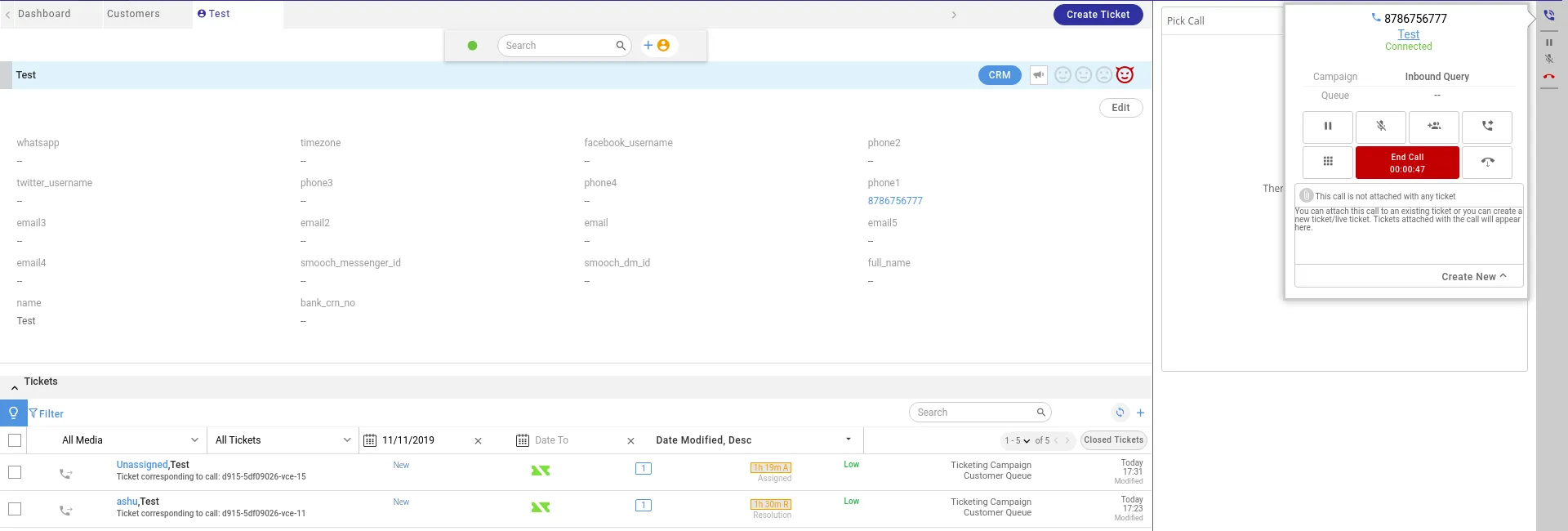
Call from the Phone Number of a Registered Customer
If the customer is found for any inbound call, then "Customer Detail" page for that customer is displayed with CTI.
Call from Unregistered Number
If the customer is not found for any inbound call, then CTI pop-up shows a blank Customer page. Here, the agent can register the details of the customer.
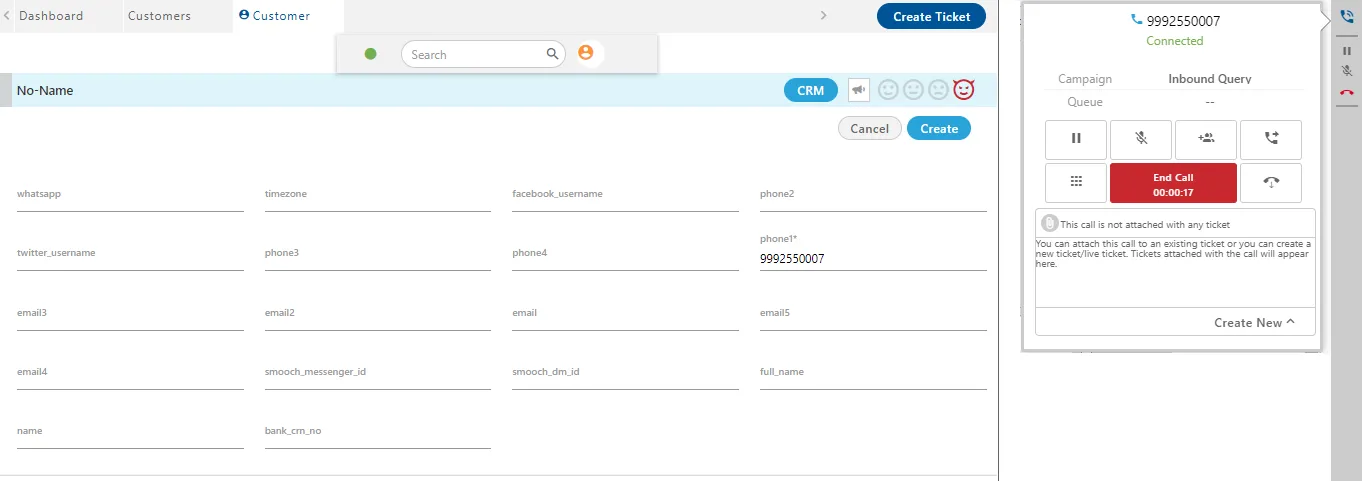
You can enter the details of the customer in the left panel of the CTI pop-up.
CTI Display for Multiple Customers with Same Number
In the case of Inbound Calls, the multiple customers having the same phone number (from which the call is being received) will be displayed in a pop-up. If the Ameyo CRM is not linked with Ameyo AppServer or if the customer is not registered in Ameyo CRM but in Ameyo System, then the "CustomerQuery" node will be used to resolve the customers.
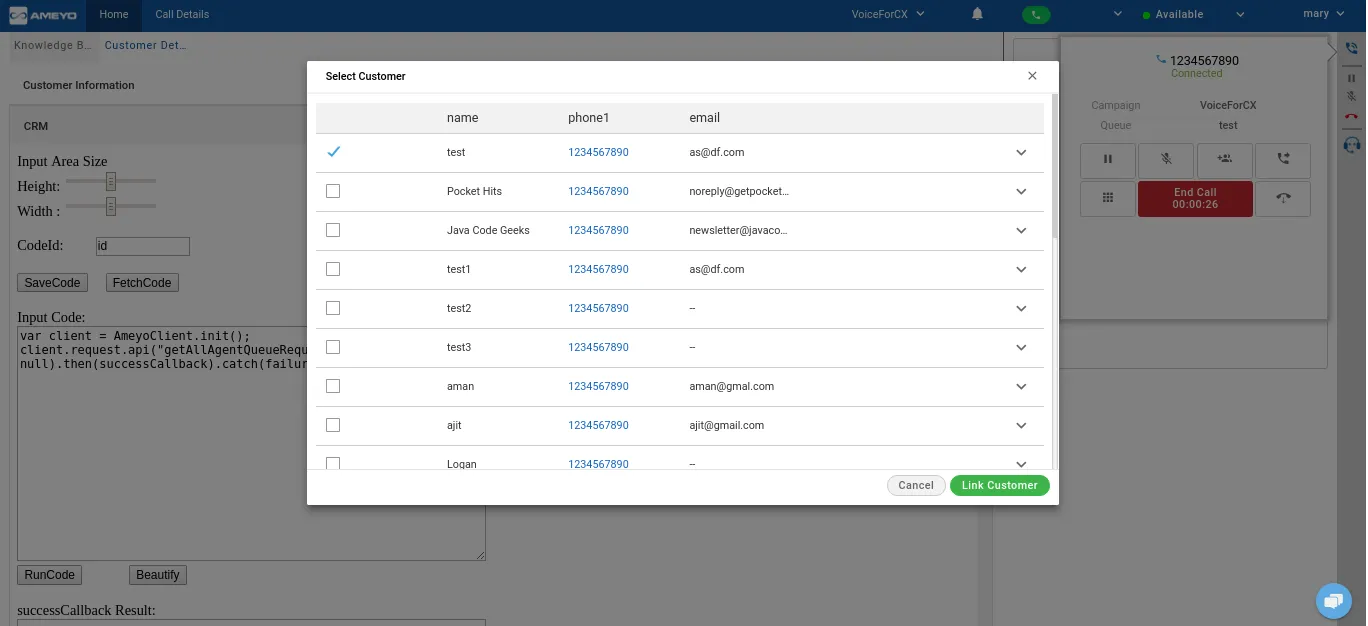
Sequence to display the columns in "Multiple Customers Found" is defined through the customized Agent Table Definition of the campaign. If any phone field is not mapped in Table Mapping at System-level, then it will not be clickable and will come in the customer details. For example, you have to map "phone number 1" customer field with "phone1" Table Definition Field.
The agent can select any customer and click "Link Customer" to link this call with the selected customer.
Call Failure
There are certain cases when due to some issues, the call could not be connected. It may occur due to any of the failure reason like either customer call leg is not connected, or Agent call leg is not connected. If the customer call leg does not gets connect, there may be the provider related issues or its due to the certain general reasons which are notified to the agents by Ameyo. And, if the customer call leg does not get connect then the reason for that call failure is listed on the notification panel of the Ameyo in the notification bar. This helps the agent to know what the problem regarding the call was.
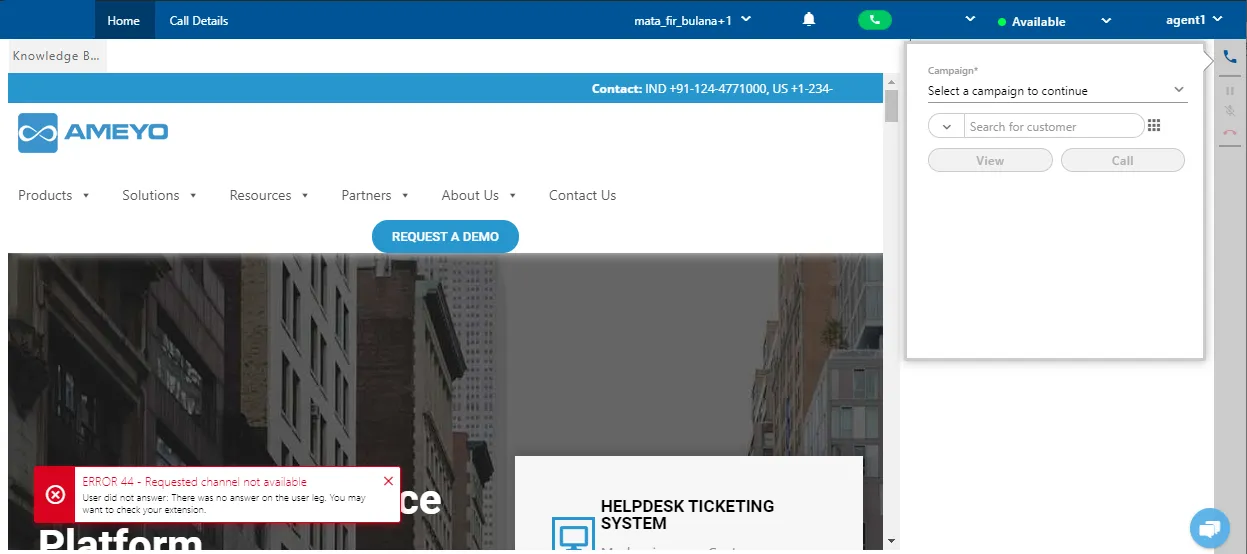
All the notifications are also sent to the supervisors and the administrators also.
Number Masking
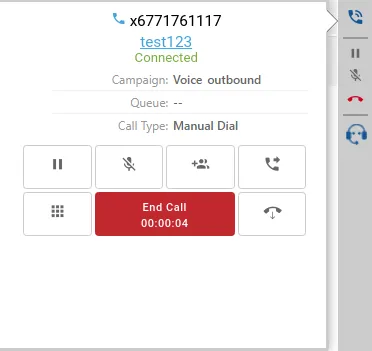
If number masking is enabled in any voice campaign, then the customer name and the number in masking format is displayed on the telephony panel to the agent.
Option to Disable the Disposition on Active Call
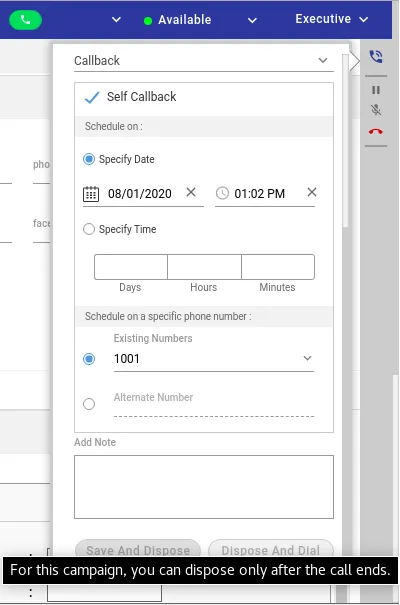
There can be some cases where the call's pre-selected disposition may not be valid at the end of the call. So, if the agent is allowed to dispose of the active call before disconnection, then the selected disposition can be wrong. Therefore, some businesses want the option to disable the agents to dispose of an active call. To meet this requirement, the option to disable the disposition of Active Call is introduced in Ameyo 4.11 through a Configurable Feature.
By default, this option is disabled, allowing those businesses to have the normal workflow that still wants to allow the agents to dispose of an active call before disconnection.
- It is applicable for both single-level and two-level dispositions.
- If the disposition of an active call is disabled and the agent tries to dispose of an active call, then an error message is displayed.
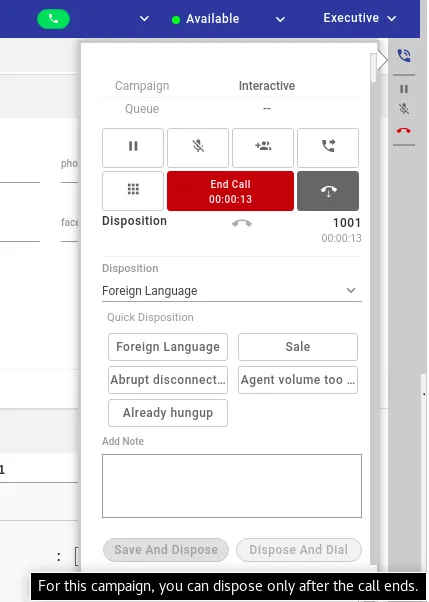
Even if the agent is scheduling a Callback, still, the agent cannot dispose of an active call.