Enabling Desktop notifications
1 min
If you use the Chrome browser, you could enable desktop notifications for your Exotel calls.
- log in to Exotel. The next time you get a call, you will see a popup like this:
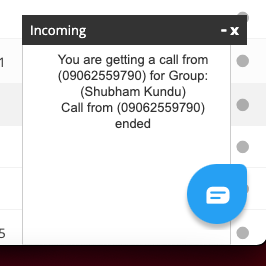
- Click on the "Get Desktop Notifications?" link in that popup. Chrome will ask you if you wanna "Allow" Exotel to notify you through its desktop notification framework like this:

- And that is it. Now whenever you get a call, irrespective of which window you are on, you will always be alerted.