Business verification (KYC) Verification Indian Accounts
Choose your guide
Business verification (KYC) has three stages: confirm your PAN, confirm your business details, and send a verification link to an authorised signatory. The screens in stage 2 depend on your entity type. The process takes about 3 to 5 minutes.
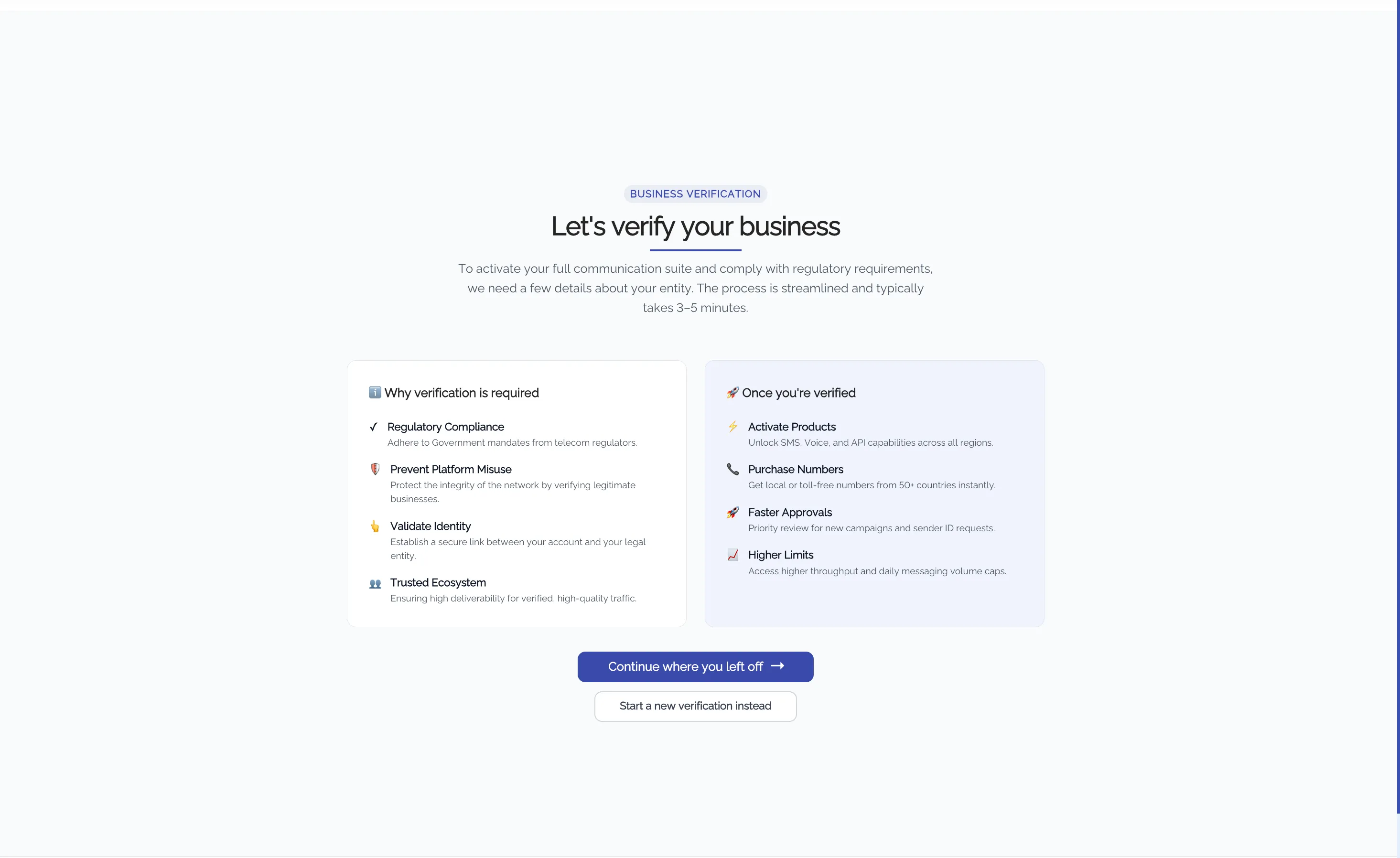
Go to My Account > Company Info. If you saved earlier progress, the portal shows Continue where you left off and Start a new verification instead.
Find your entity type in the table, then open the matching guide.
Your entity type | The portal shows after you verify the PAN | Open this guide |
|---|---|---|
Private or Public Limited Company | Entity type: company | Private or Public Limited CompanyCompany guide |
Limited Liability Partnership (LLP) | Entity type: firm, then a choice between LLP and Partnership Firm | Limited Liability Partnership (LLP)LLP guide |
Partnership Firm | Entity type: firm, then a choice between LLP and Partnership Firm | Partnership FirmPartnership Firm guide |
Sole Proprietorship or Individual | Entity type: individual | Sole Proprietorship or IndividualSole Proprietorship guide |
Trust, HUF, or other entity | Entity type: trust | Trust, HUF, or Other EntityTrust / HUF guide |
What is the same in every guide
- Stage 1: You enter your PAN and confirm the name that the portal shows.
- GST selection: You select a GSTIN for billing. If the portal finds none, you upload your GST exemption proof.
- Stage 3: You send a verification link by SMS, email, or both. The signatory does not need to sign in to your Exotel account.
- Errors: If a lookup fails, click Try Again. After 3 failed tries, click Help me verify. The onboarding team contacts you.
Need help?
Click Help me verify at any step. The onboarding team contacts you within 24 hours.