Toggle Phone Number On & Off
If you do not want to receive your Exotel calls, you can switch your number "OFF". So, calls coming to you through Exotel will go to someone else or voicemail depending on the configuration of the call flow. You might choose to do this when you are getting into a meeting, driving a vehicle, or simply out of the office, etc.
There are three ways of toggling your device (phone number):
Toggle From the Top Navigation Bar
From your Exotel dashboard after logging in like this, this option will be on your top right corner:
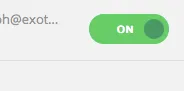
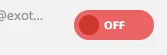
Toggle from Co-workers & Groups
Second - From the Co-workers & Groups page by using the "Gear" icon below the User widget
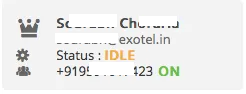

Toggle with Exotel Switch
By using the "Exotel Switch": Exotel Switch is +919513885656. You can give a missed call from your registered phone number to this switch and it will toggle your status. That is: If your number is currently ON, it will go OFF and vice versa. You will get an SMS with the current status of your device.
Note: If you are in the Mumbai cluster, the Exotel Switch is 02249360005. You can give a missed call from your registered phone to alter your device status. How do we know we are in the Mumbai cluster? If my account sid is preceded with a numeric value and ending with an "m". For example: exotel1m, exotel2m, exotel3m etc.
Troubleshooting Dashboard Errors
If you are in a scenario where you are unable to make or receive calls, you can solve this by turning your Exotel device ‘off’ and then switching it ‘on’ again. This will reset your agent state from ‘active’ to ‘idle’. You can do this from the dashboard or by giving a missed call to our switch number (+91 9513885656), using any of the toggle methods described above.

Here are some situations when you can make use of steps to avoid call issues:
1. Outgoing Call Scenario
If you receive the following error, suggesting that you are already on a call, your device is busy, or an Unknown error occurred:
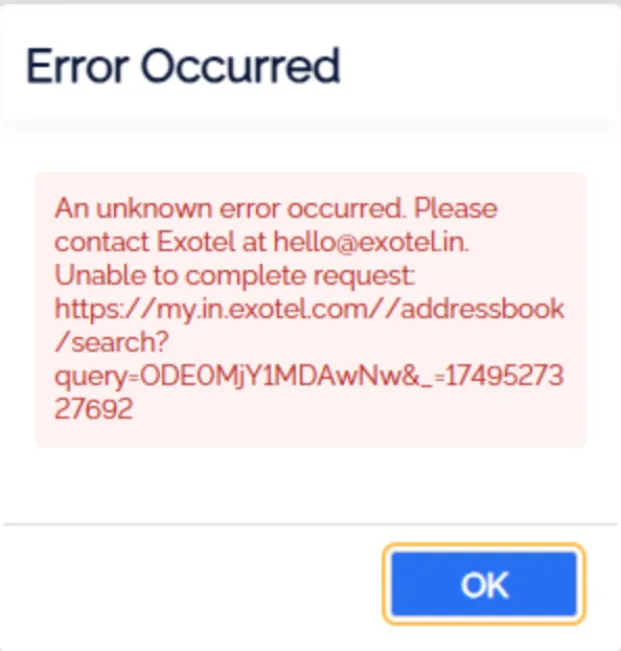
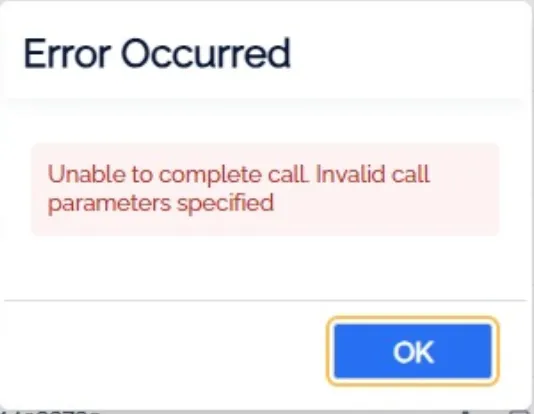
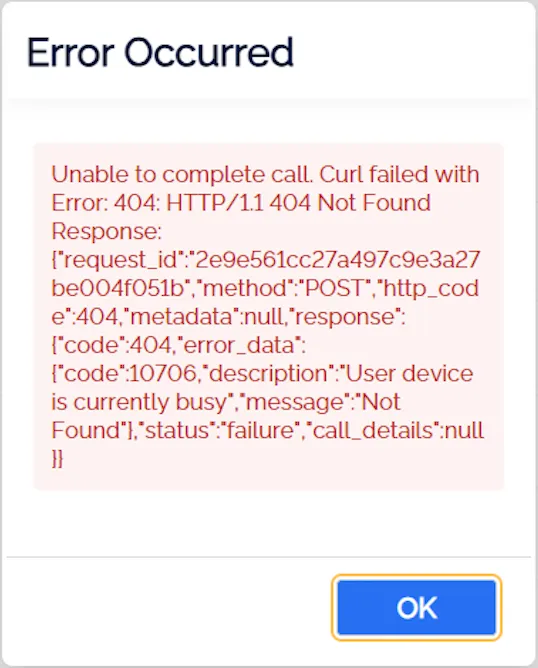
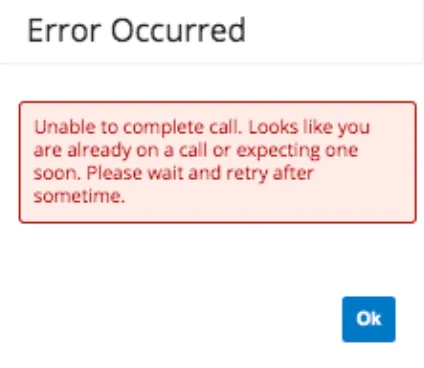
This means that the previous call was not terminated correctly, or multiple attempts to dial occurred within a short span by repeatedly clicking the "Click to Call" option. To resolve this issue, follow these steps:
a. Avoid clicking the "Click to Call" button multiple times.
b. Clear your browser’s cache and history.
c. Toggle the call button on and off (as mentioned earlier).
d. Ensure your network connection is stable.
e. Try initiating a fresh call.
2. Incoming Call Scenario
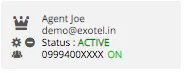
If you are part of a group and you are not receiving incoming calls, you can check your state from the Co-workers & Groups page. If it appears to be ‘active’ and you are not on a call, you can use this functionality to reset your state.
3. Incoming Call Scenario (Handset issue)
If you are part of a group and you are not receiving incoming calls on your device and on the Exotel dashboard status shows as busy or no-answer, we request you to please reset the network by restarting the device.
Additional Error
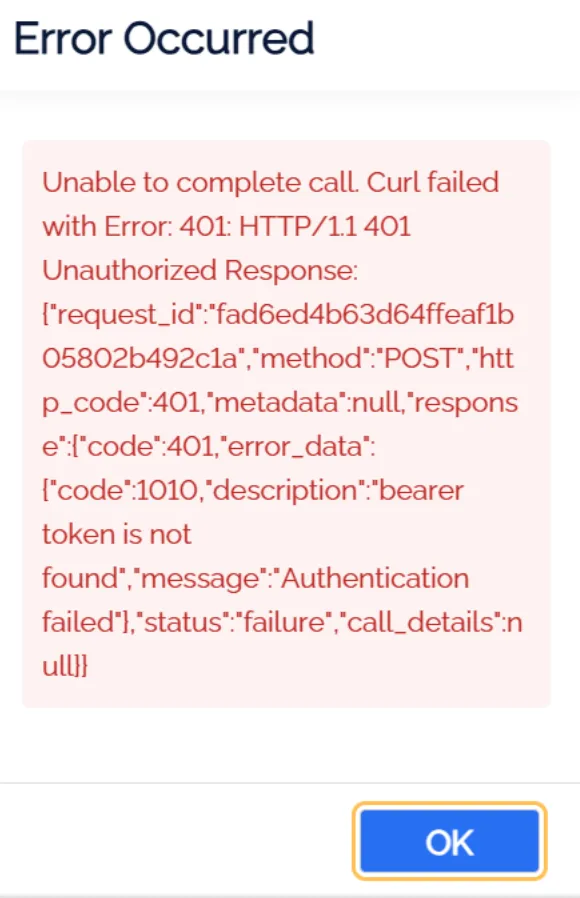
Please follow the steps mentioned under point one to resolve the above error.
Note: We try to eliminate all possible scenarios where an agent can be stuck making or receiving calls. However, due to the complexity of the infrastructure and telecom network, there might be certain scenarios where you can still encounter this problem. However, you can use this method to set yourself free.
If you have any questions or concerns, please connect with us using the chat widget on your Exotel Dashboard or Whatsapp us on 08088919888.