Forgot Password
You can change your password for security reasons or reset it if you forget it. Follow the steps to change/reset your password.
Access password reset
You’ll need to know:
- A registered and verified phone number linked to your account
- Follow the instructions to confirm it’s your account.
- You’ll get a password reset link on your registered and verified Email Id/phone number
- Create a new password for your account.
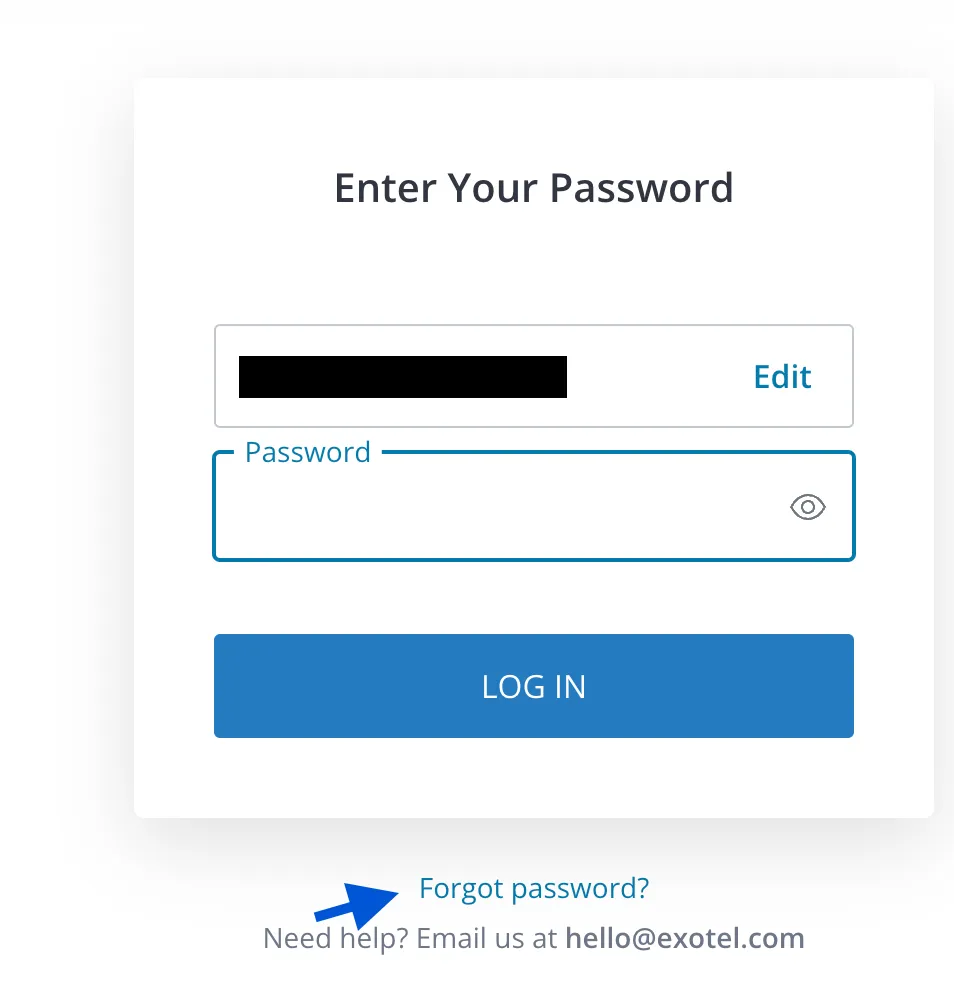
Click on forgot password link to reset your password
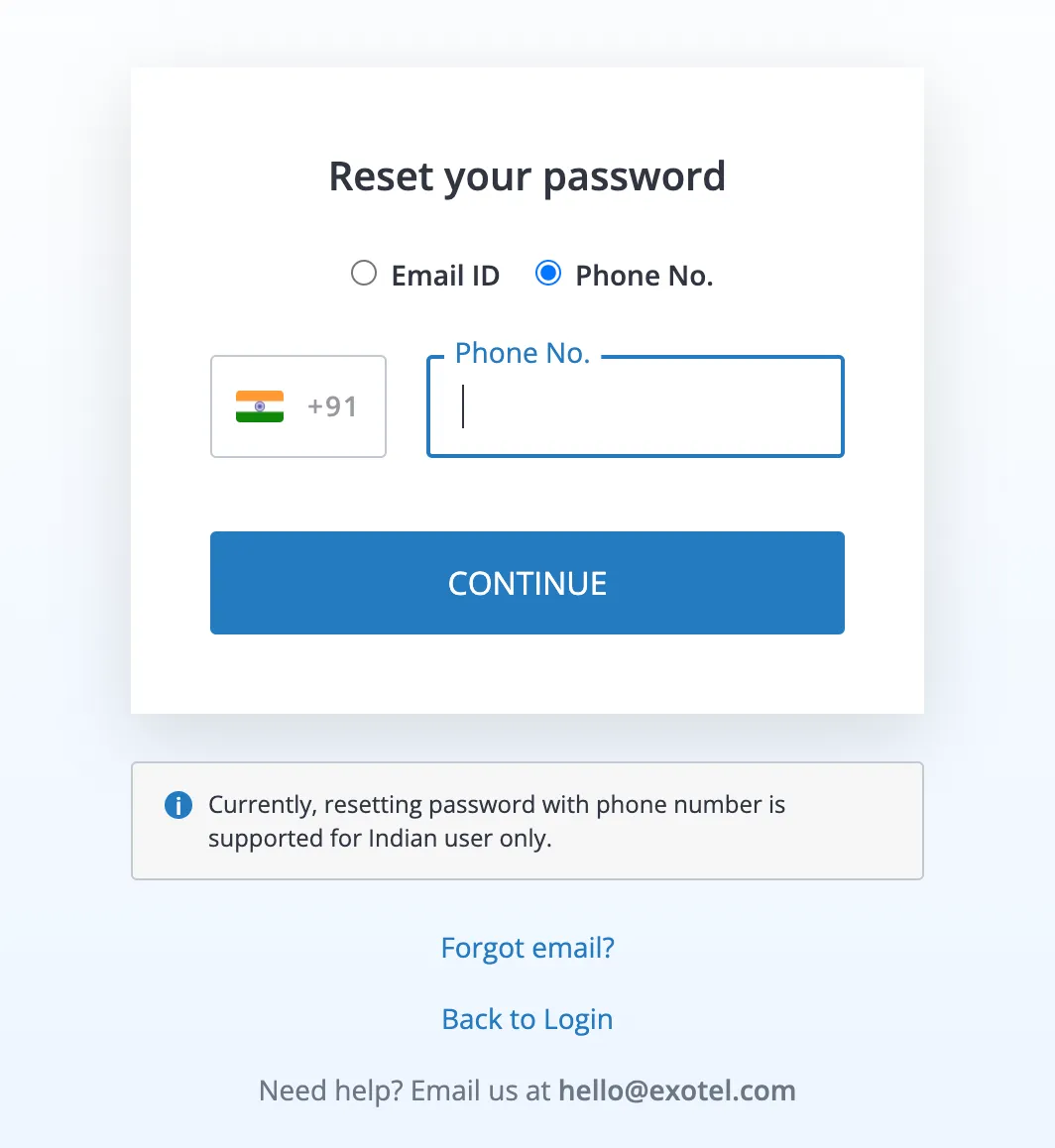
Choose a way using which you want to reset your password
Reset with email
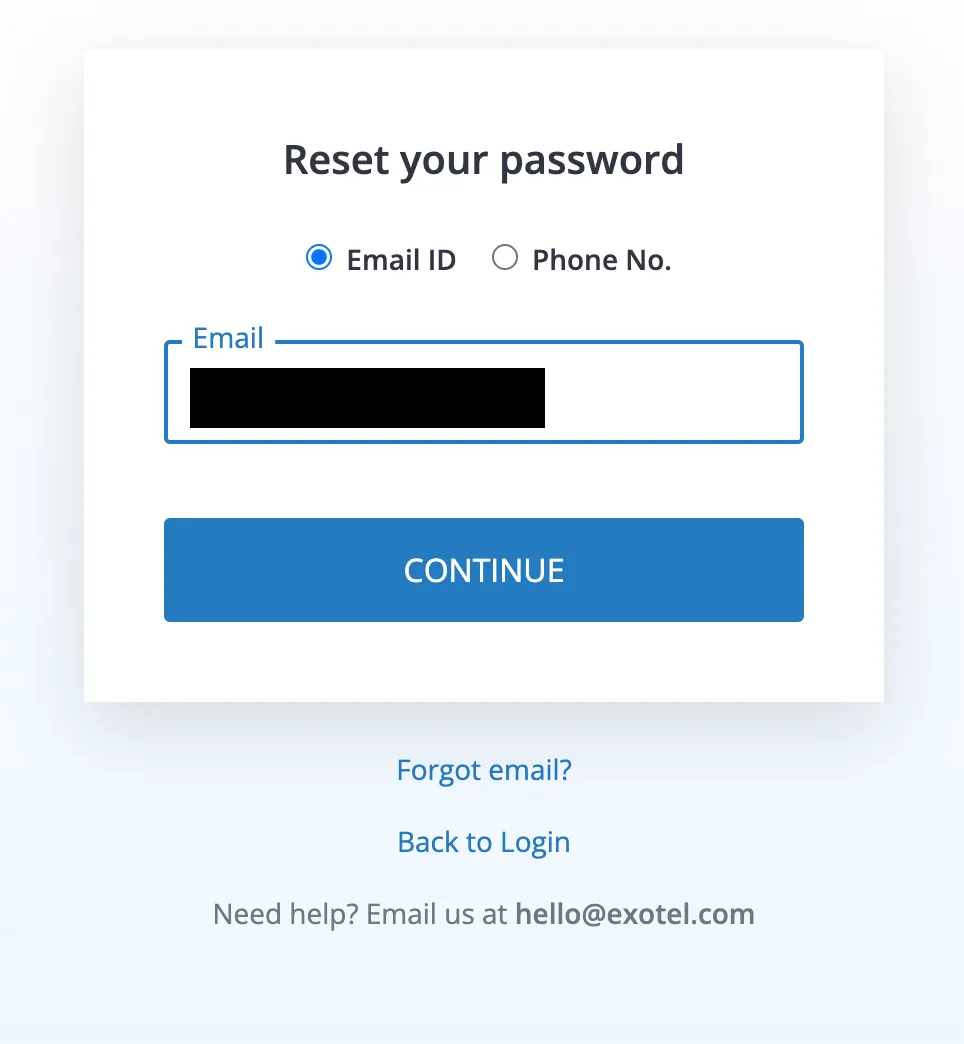
Enter your registered and verified Email Id for which you want to reset your password
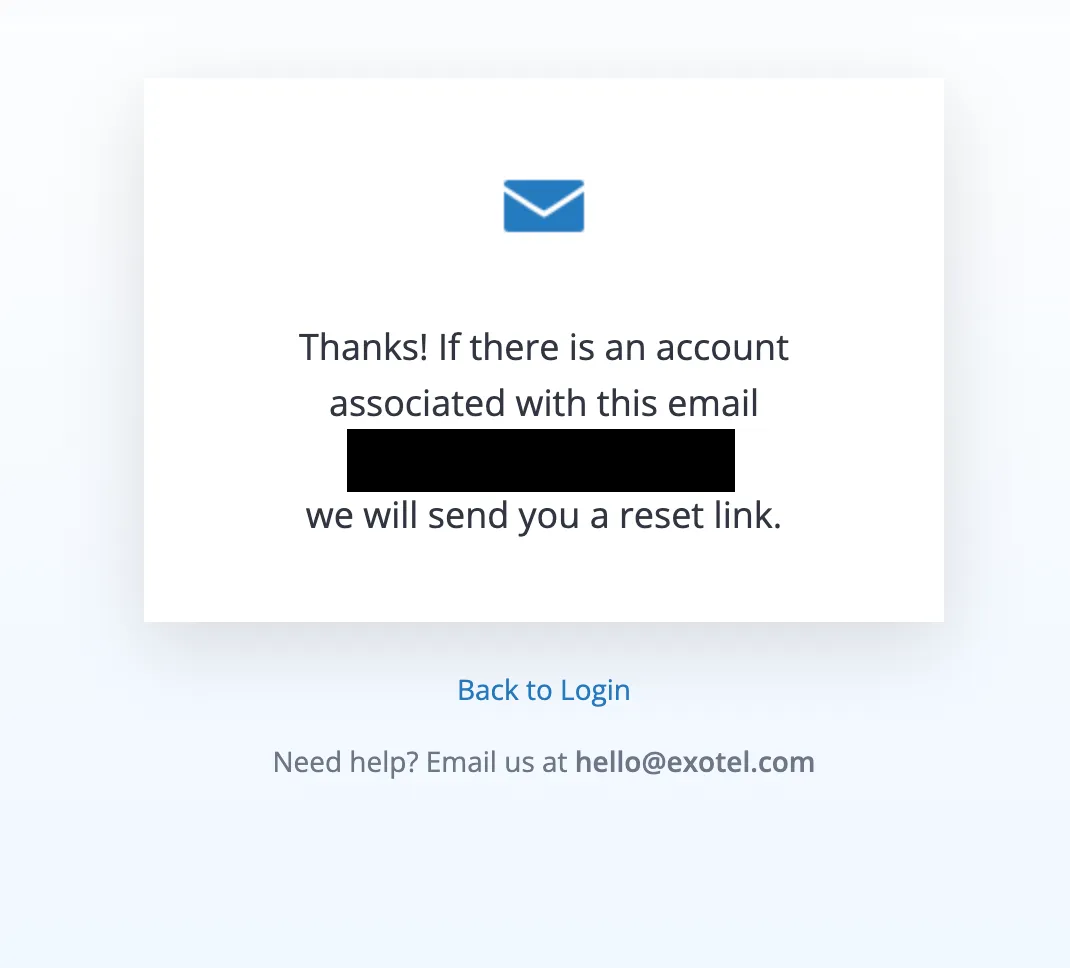
If the entered Email Id is registered and verified with us, we will send you a reset link on your Email id as well as on your registered and verified phone number
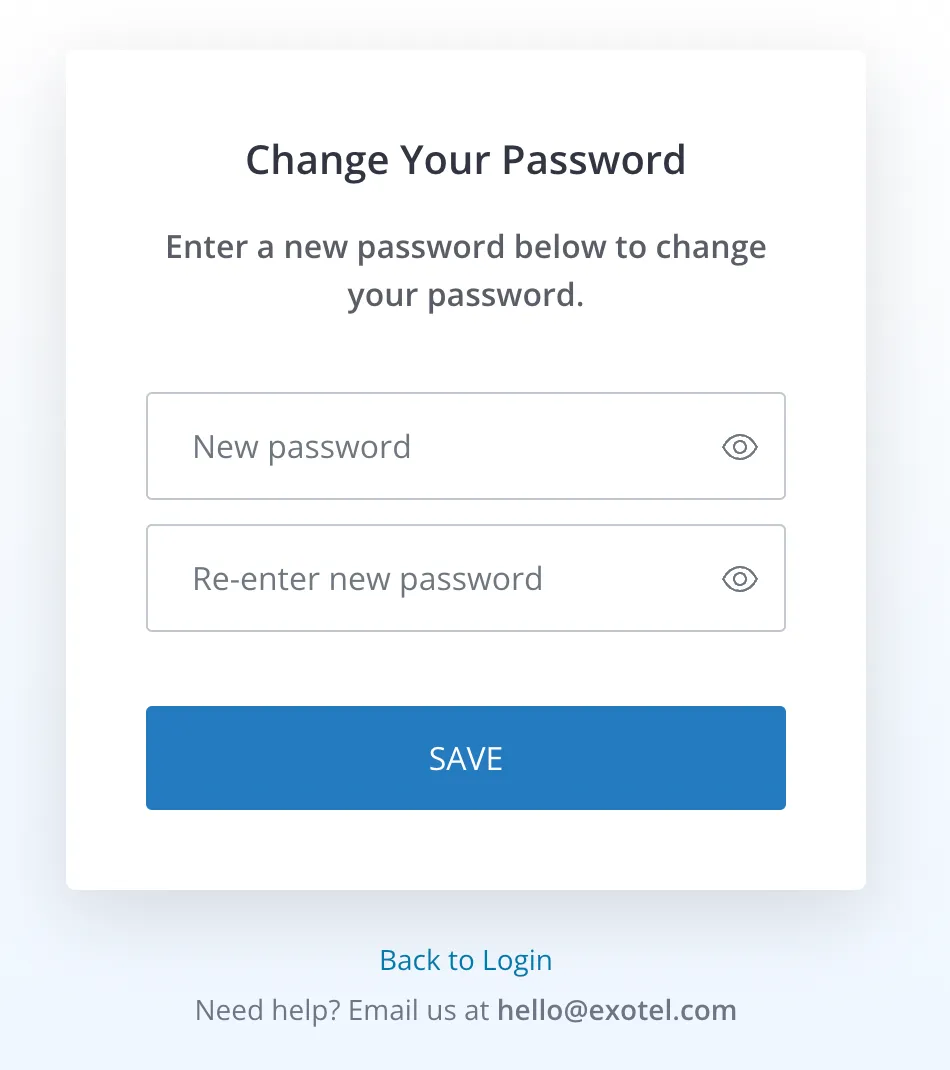
Once you click on the reset link, it will ask you to create a new password for your account
Create a strong password for your account, and make sure you fulfill all the asked requirements for your password
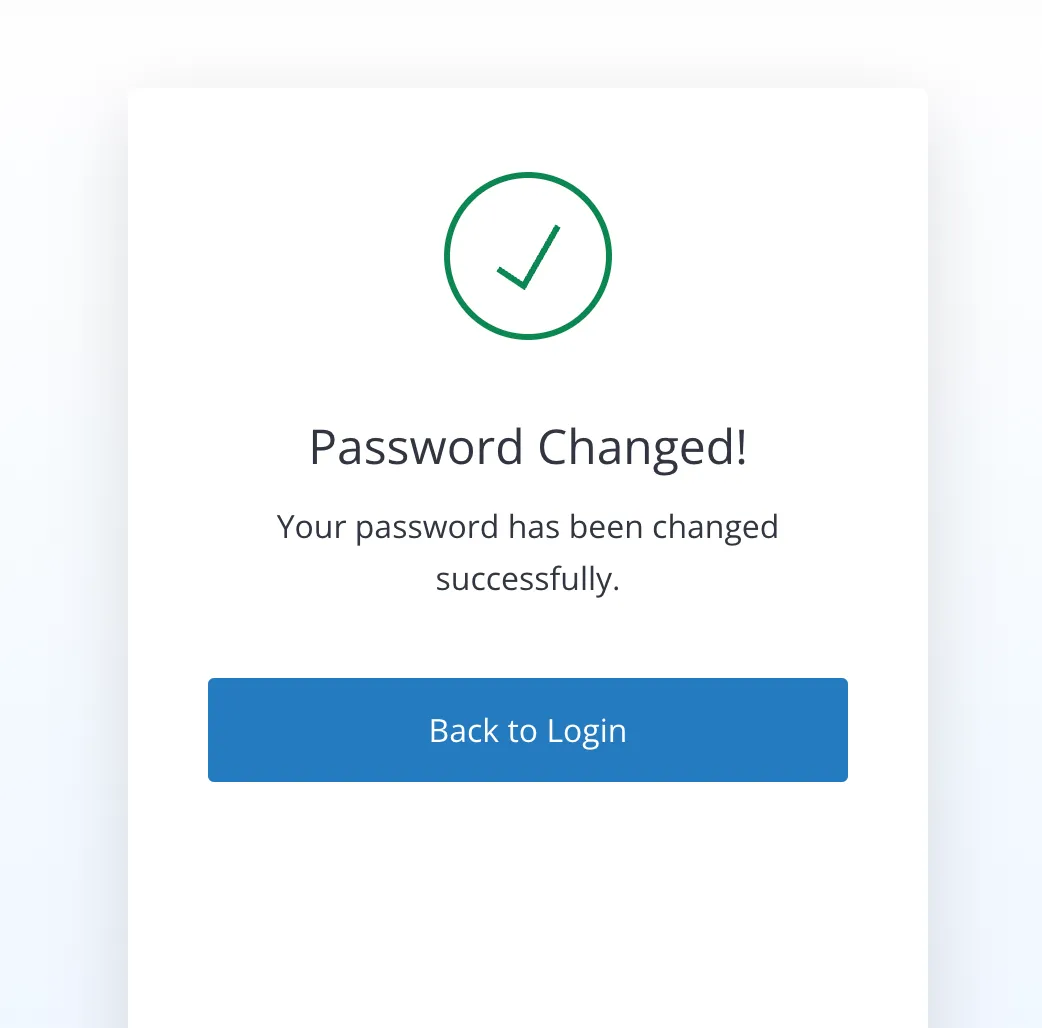
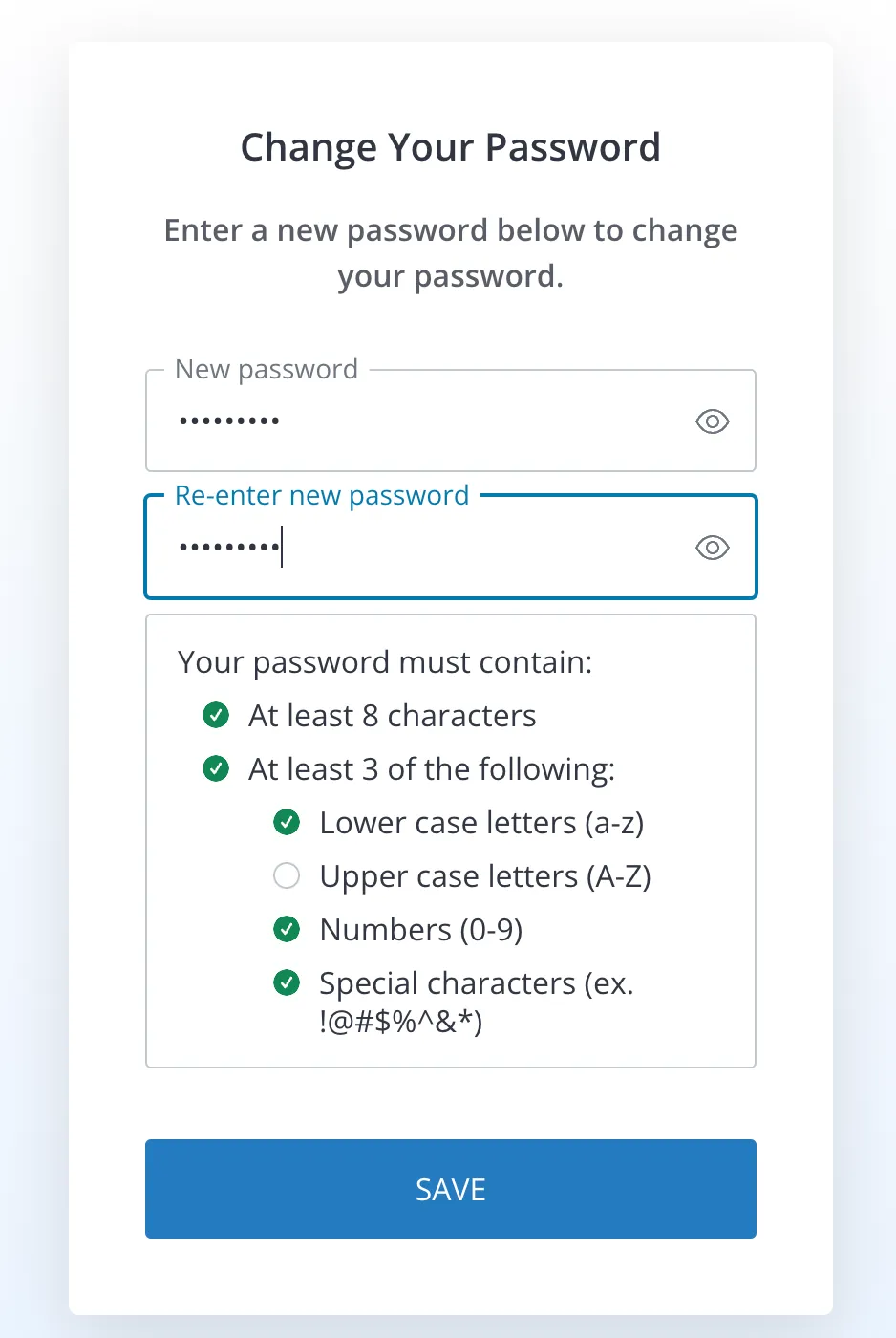
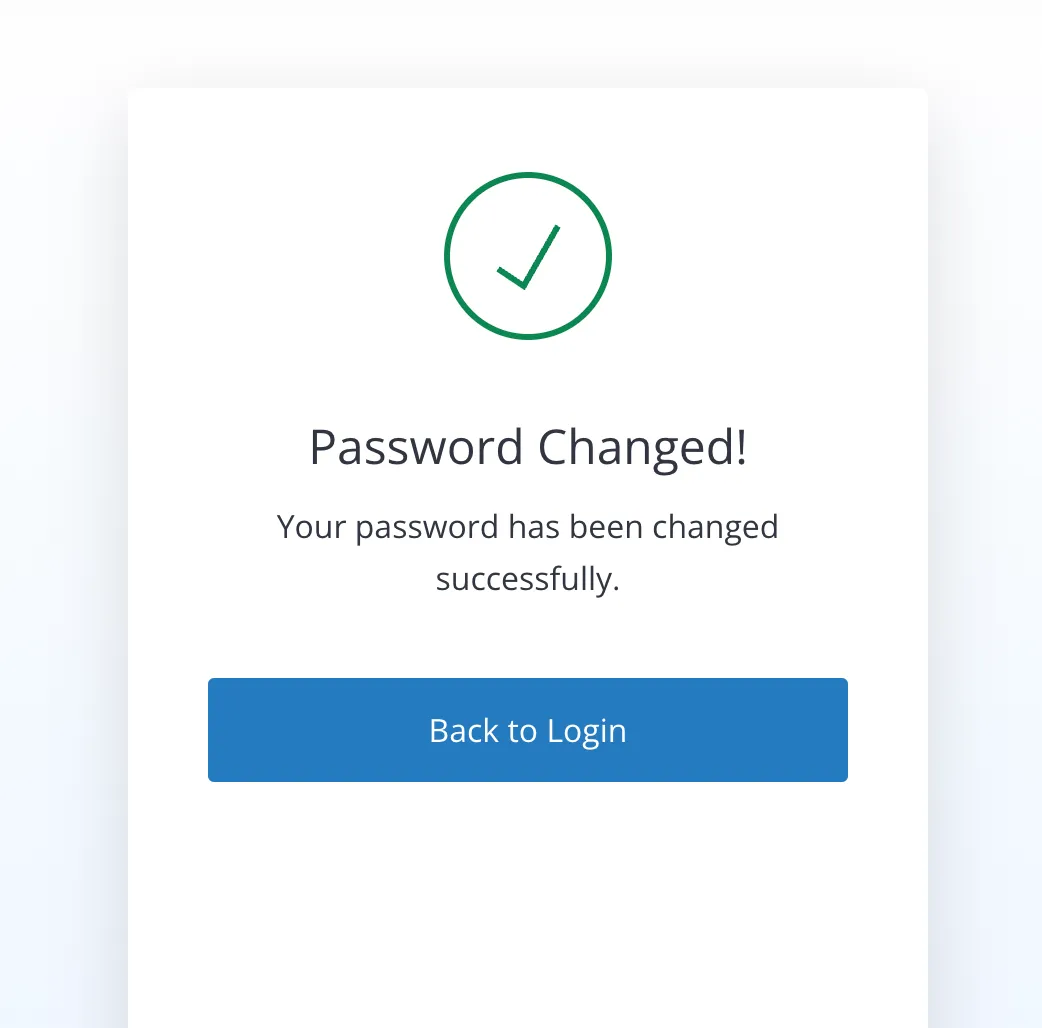
Once you save the password you can go back to the login page and use this new password for the login
Reset with Phone number
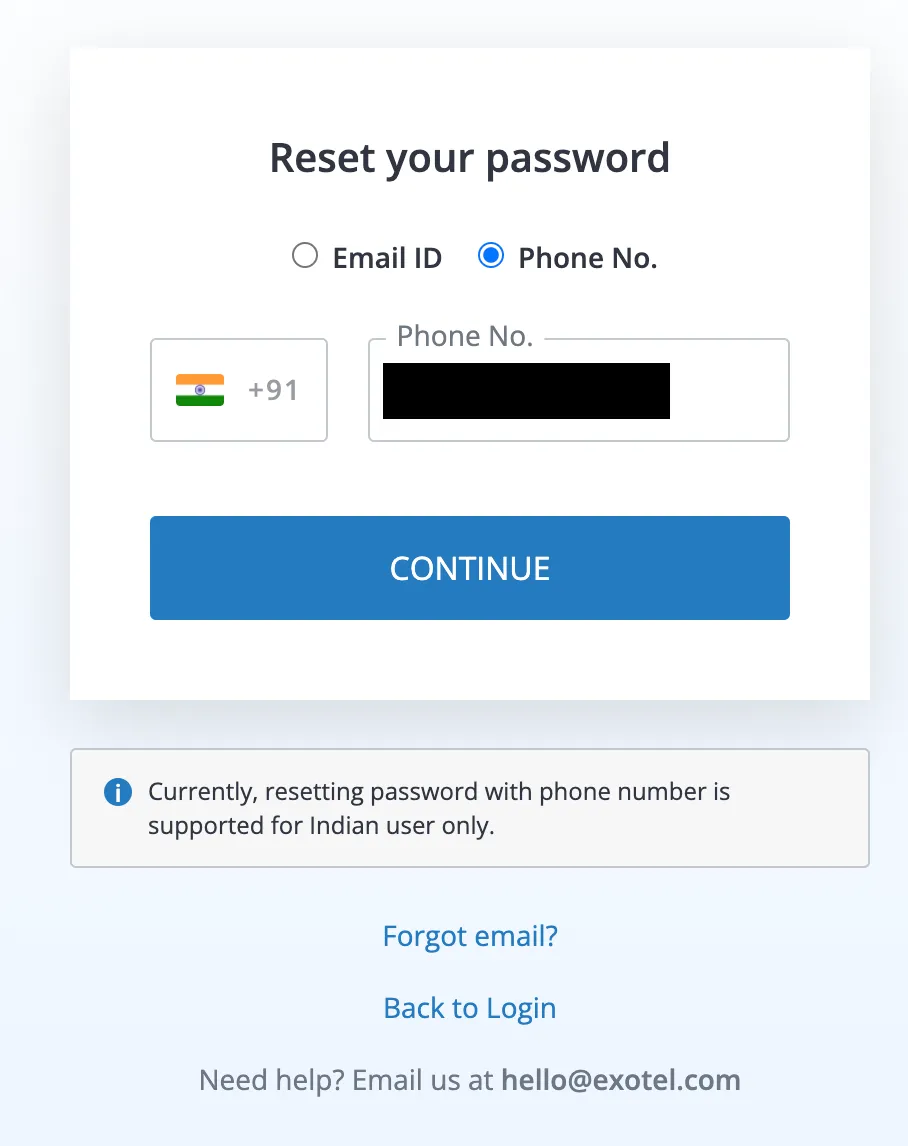
Enter your registered and verified phone number to reset your password
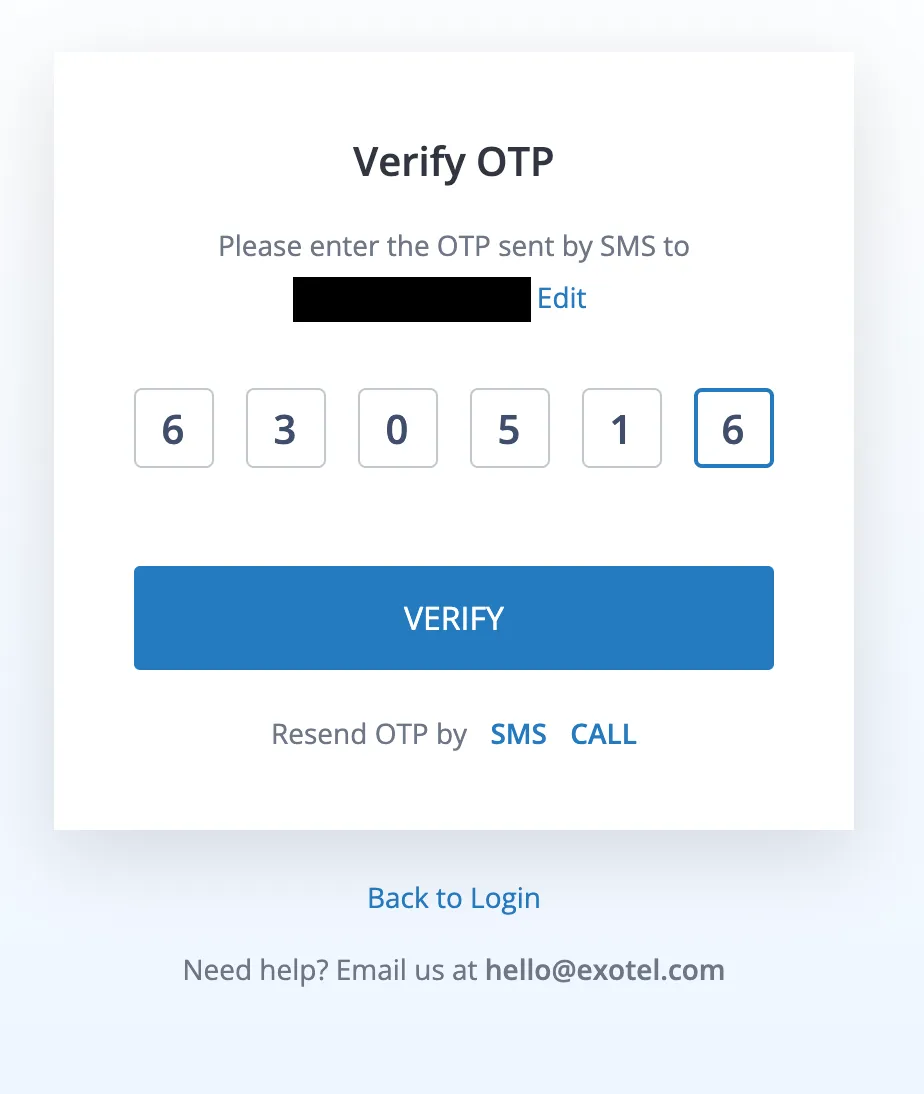
If the entered phone number is registered and verified with us, we will send you an OTP via SMS to verify your identity
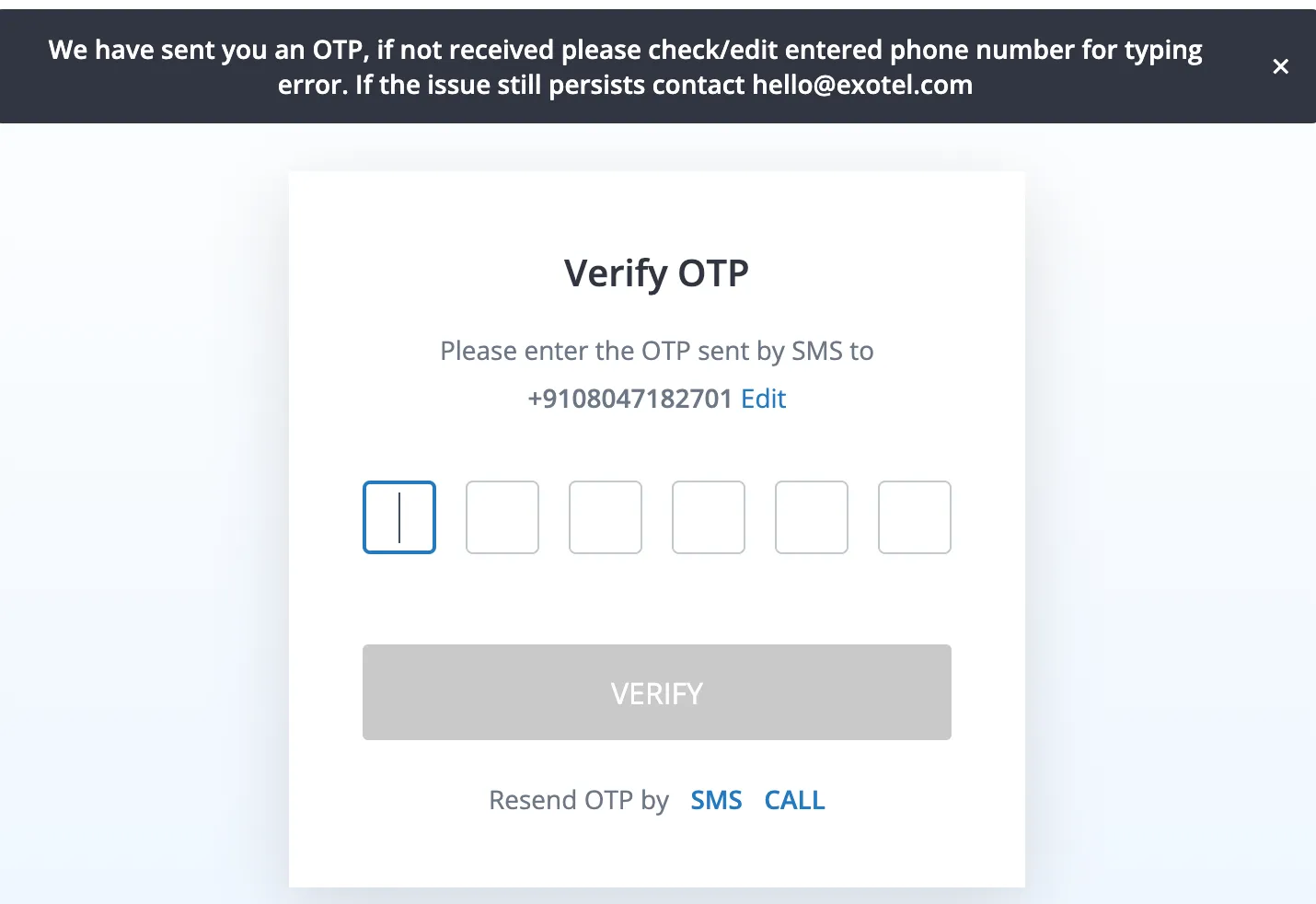
If you are using a Landline number, you would need to wait for the OTP SMS to expire post and you will get an option to receive OTP via call.
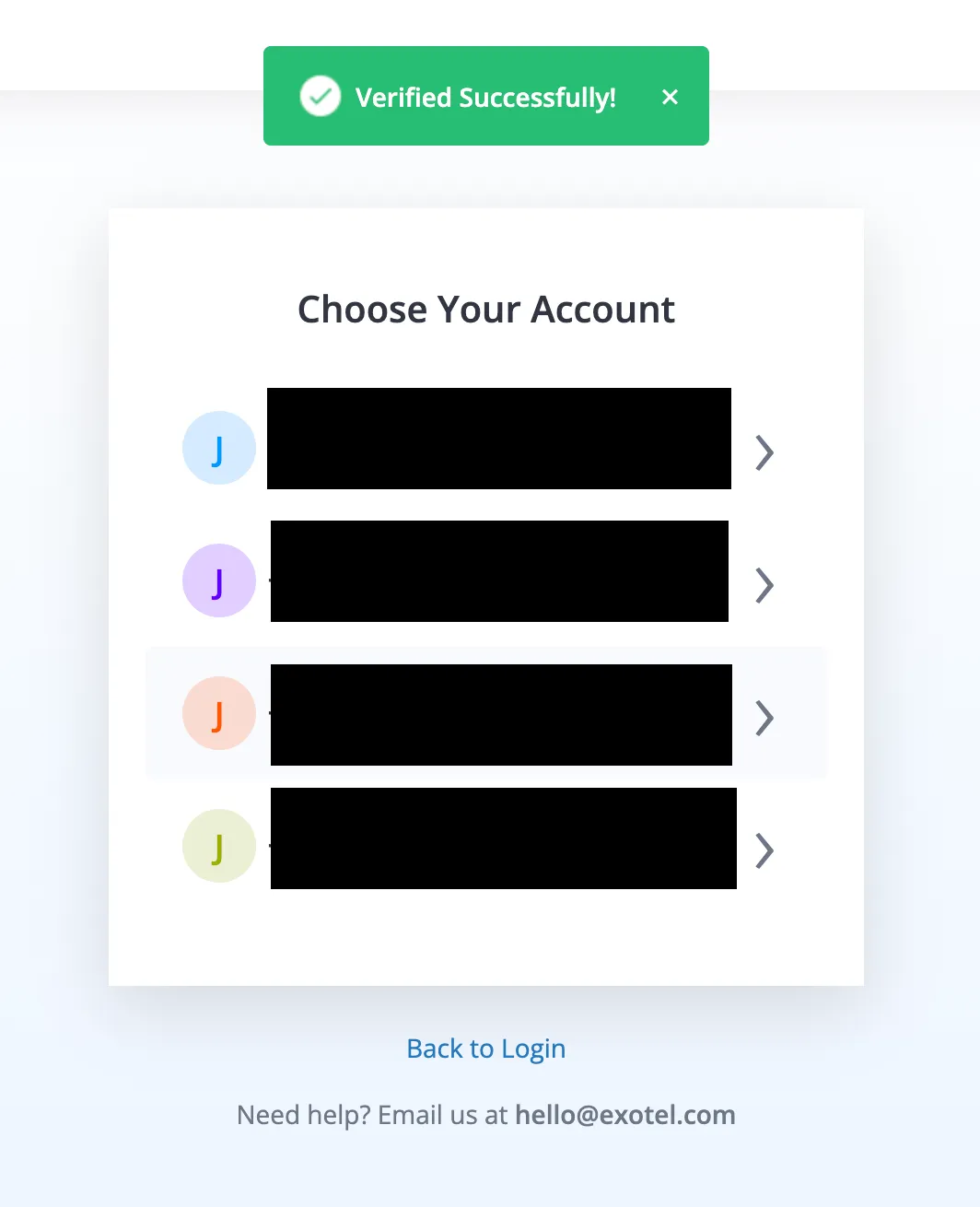
If you have entered the correct OTP on the OTP screen, your identity will be verified and you will see a list of accounts linked to your phone number
Click on the account for which you want to reset the password
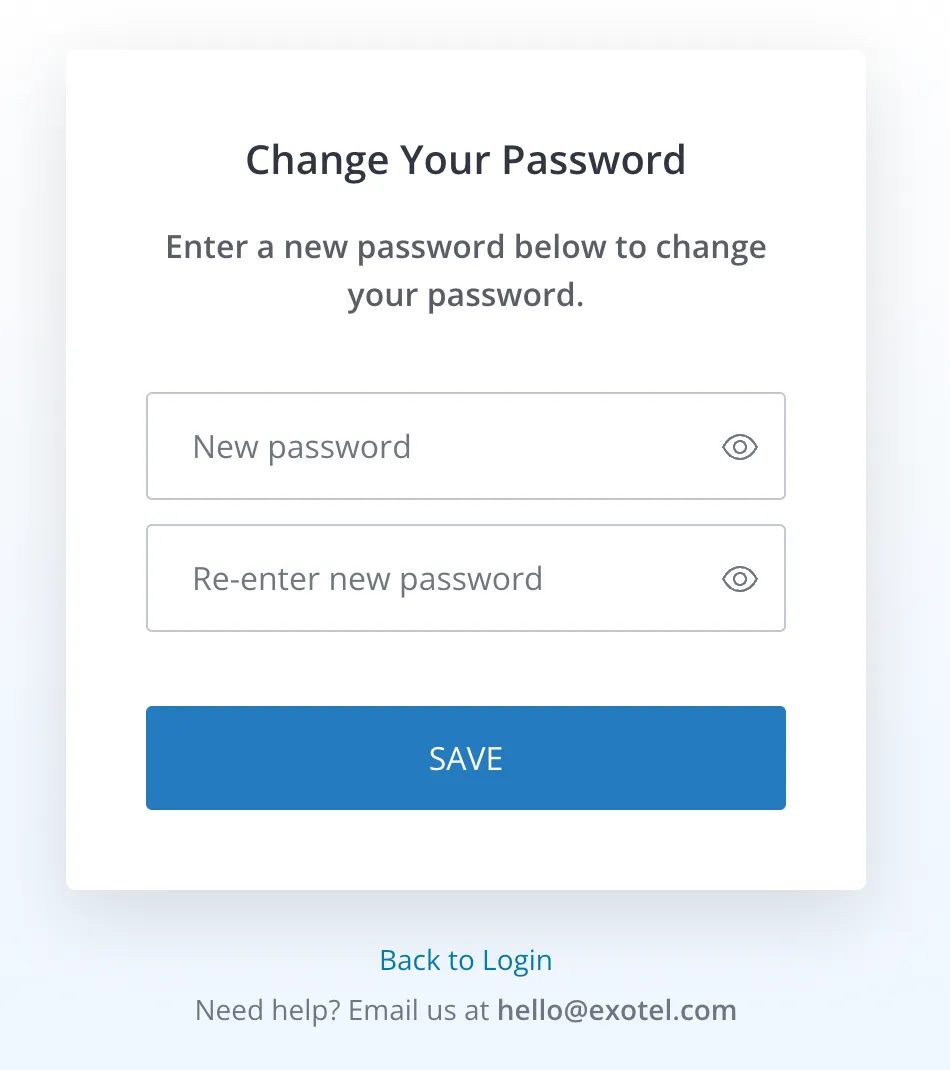
Once you selected the account, it will ask you to create a new password
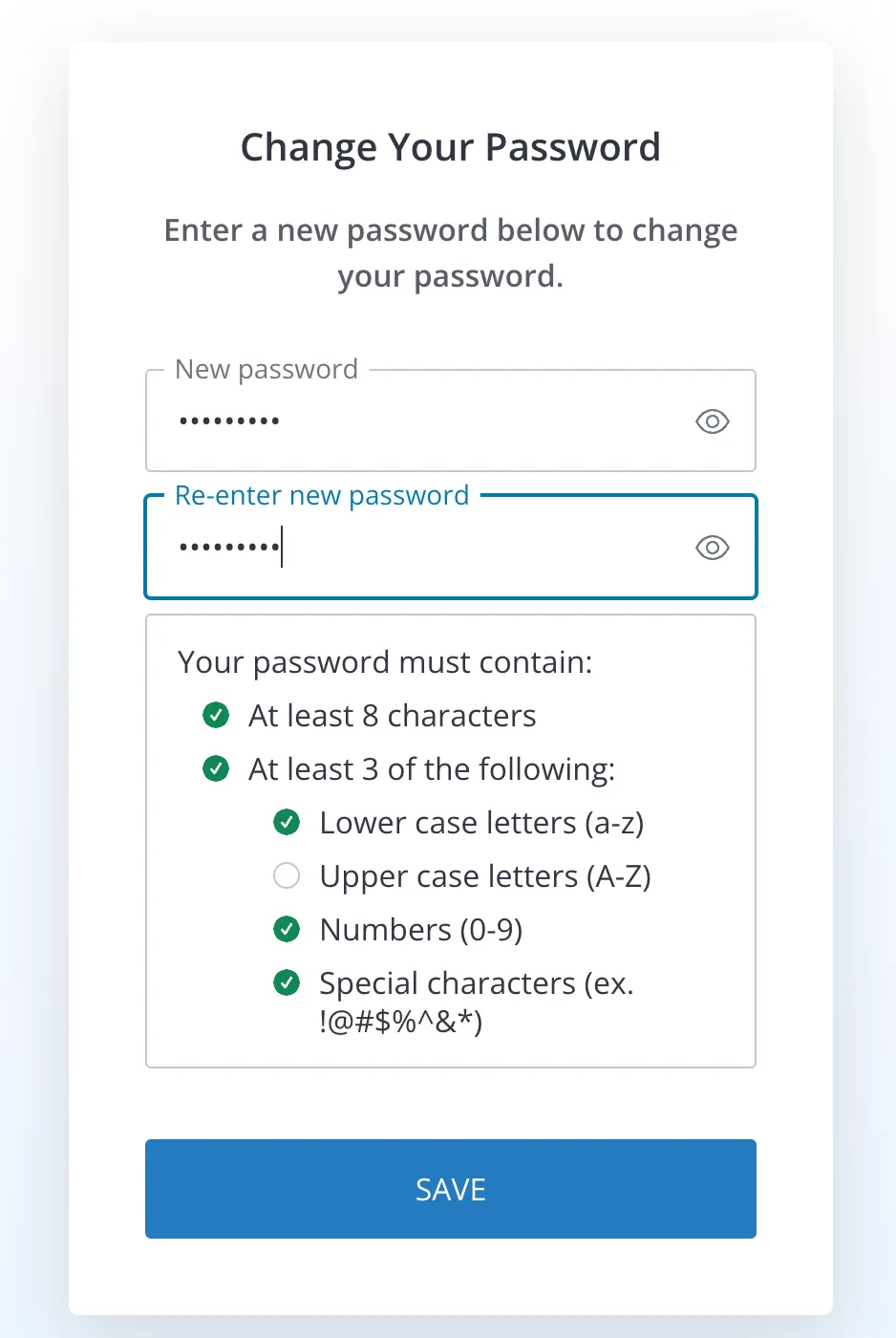
Create a strong password for your account, and make sure you fulfill all the asked requirements for the password
Once you save your password you can go back to the login page and use this new password for the login
To protect your account, we limit the number of times you can attempt recover email id via phone number Exotel temporarily disables a particular account reset option after too many incorrect attempts. The recovery option will be re-enabled on the next day. In the meantime, you can contact [email protected]