Sign In
2 min
To access your Exotel account, you can login from a computer, phone (Chrome browser) or tablet.
Enter the below URL to login to your Exotel account. Universal URL: my.exotel.com
Note: (If your account is registered under the Mumbai cluster then use my.in.exotel.com for the login page)
Else you can visit the exotel.com site and click on the Login button that you see on the top right of the page.
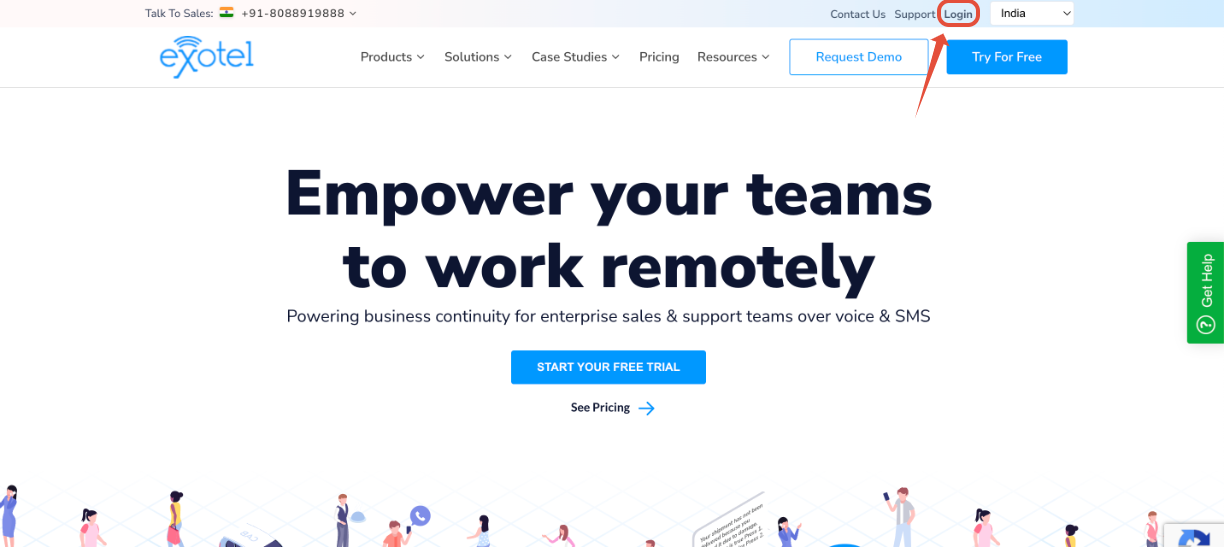
On your computer or mobile browser, go to the Exotel login page.
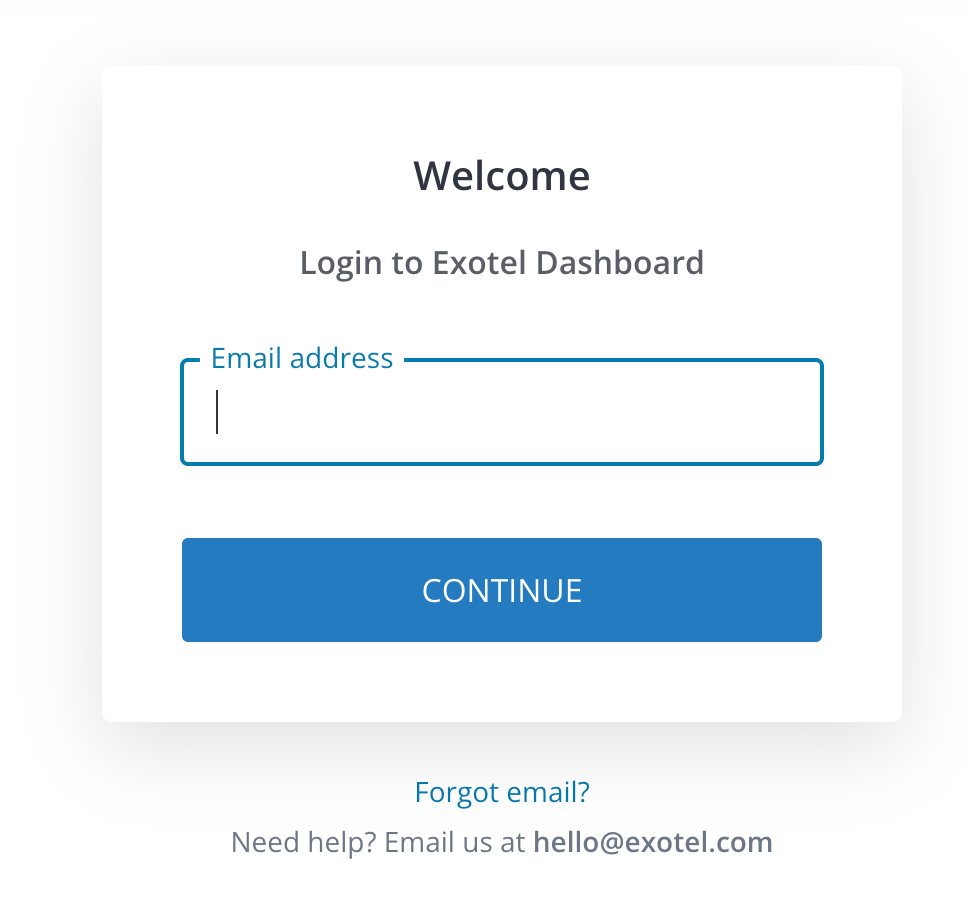
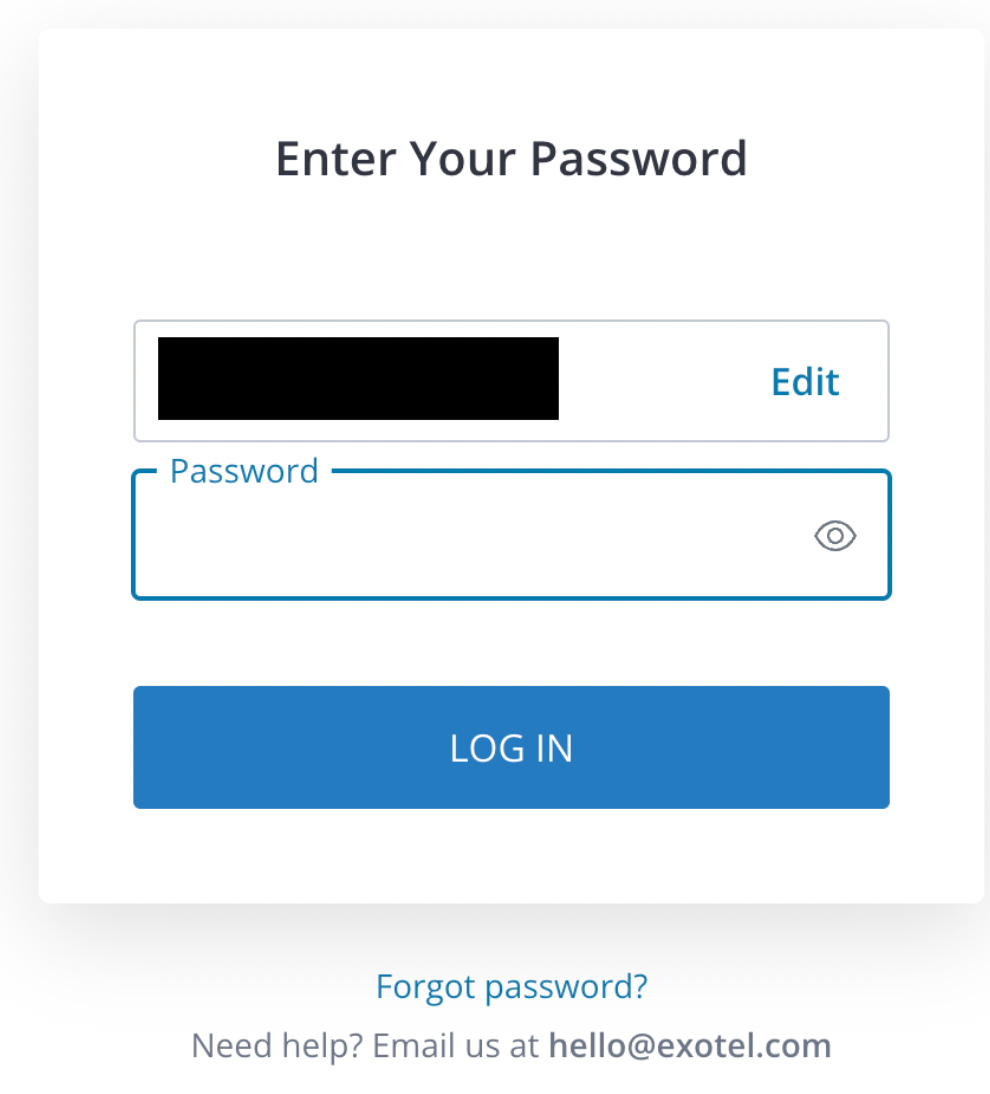
Enter your Exotel Account email id and password.
Tip: If you're signing in to a public computer, make sure to sign out before leaving the computer.
Watch a short video